 SPACEPODS LINUX
Your Oraimo earbuds
don't need Android.
SpacePods Linux is a small daemon and a GTK4 companion app that speak the Oraimo SpaceBuds BLE protocol directly: ANC, EQ, battery, gestures, game mode from your Linux desktop, over a socket, with no vendor app in the loop.
curl -fSL -O https://github.com/Imnotndesh/spacepods-linux/releases/latest/download/install.sh && sh install.sh install all
Downloads the script to a file first, never pipes to a shell blind. See full install options ↓ for deb/rpm/flatpak/tarball and picking a specific version.
Everything the phone app does. None of the phone app.
Off / ANC / Transparency
Toggle noise modes and tune intensity 0-15 per mode, straight from the CLI or GUI.
10 built-in curves
Bass Boost, Rock, Jazz, Vocal, Treble, Harman AE/OE and more, or draw your own 7-band custom curve.
Left / right / case
Per-bud and case battery percentage, polled quietly in the background service.
Tap mapping
Reassign single/double/triple tap and long-press per ear to 10 different actions.
Dual device
Enable simultaneous connection to two devices and switch audio source on the fly.
Game mode · Find my buds · Rename
Low-latency audio, ring-to-locate, Bluetooth rename, and clearing pairing records.
A clean GUI that tries to match the android app features.
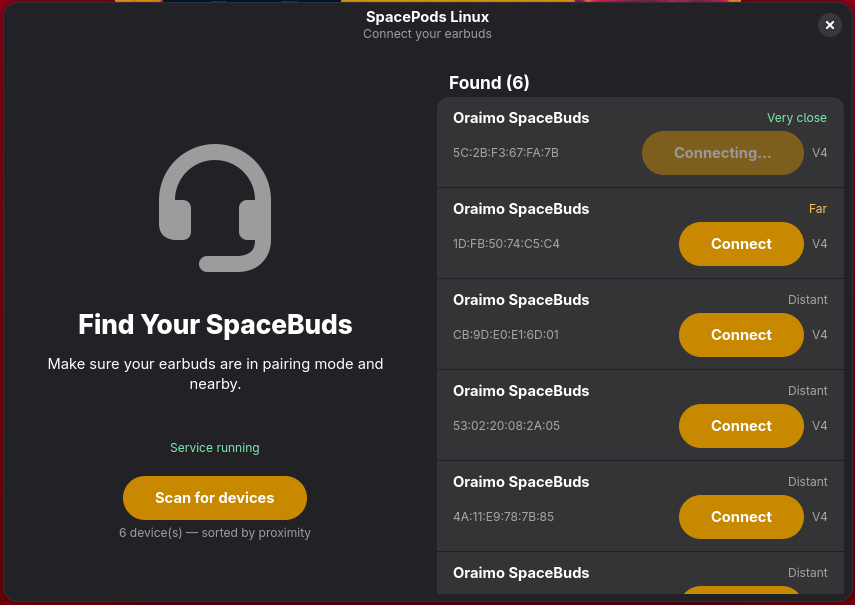
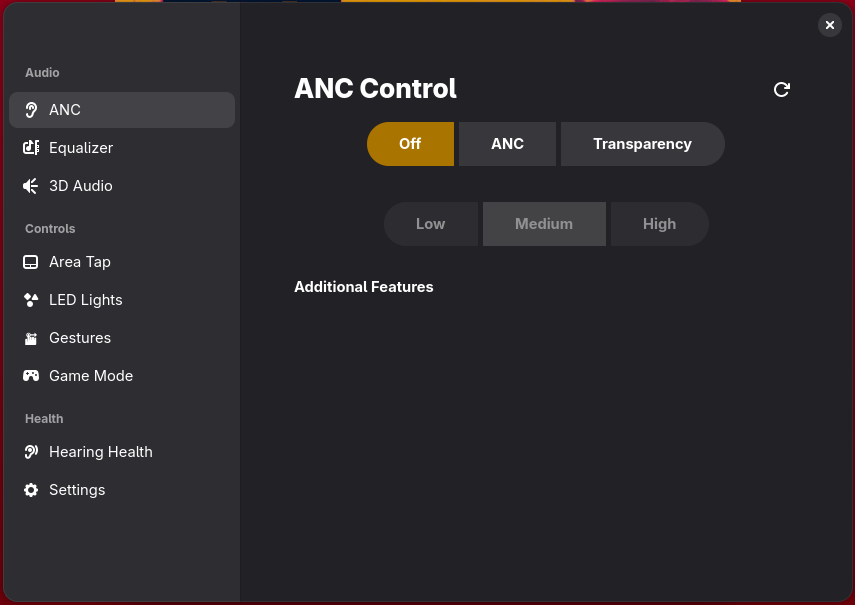
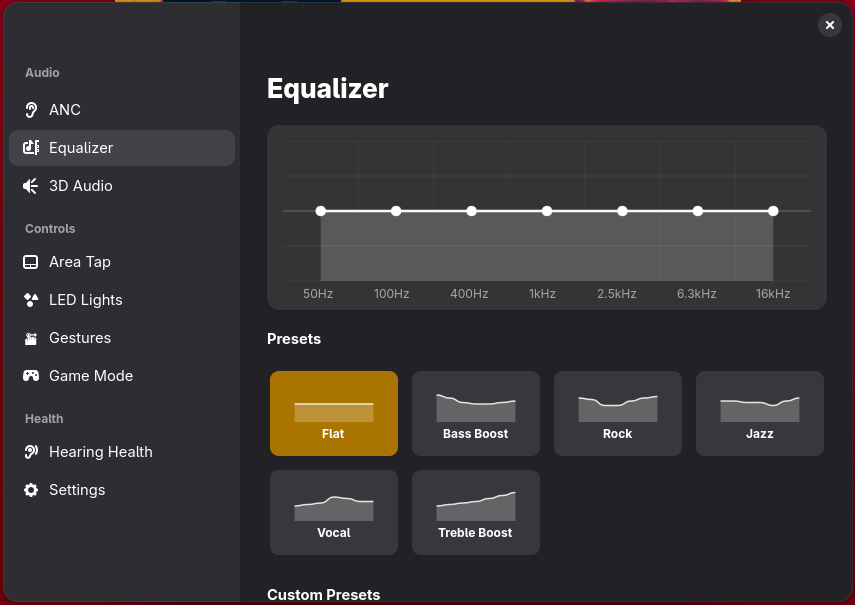
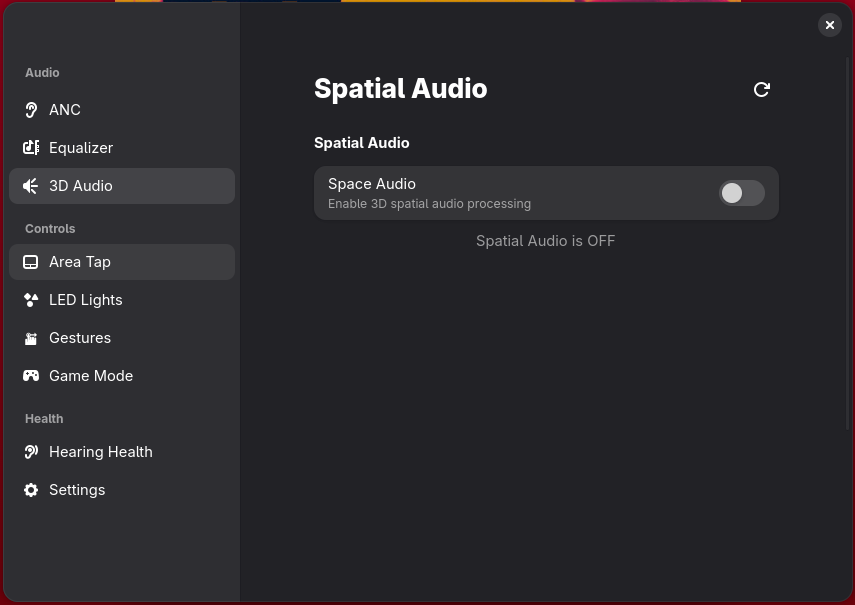
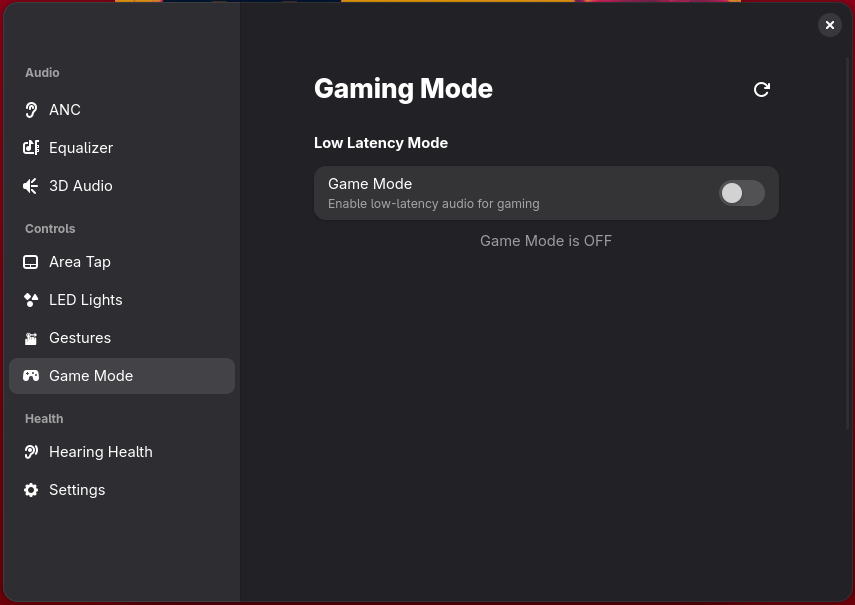
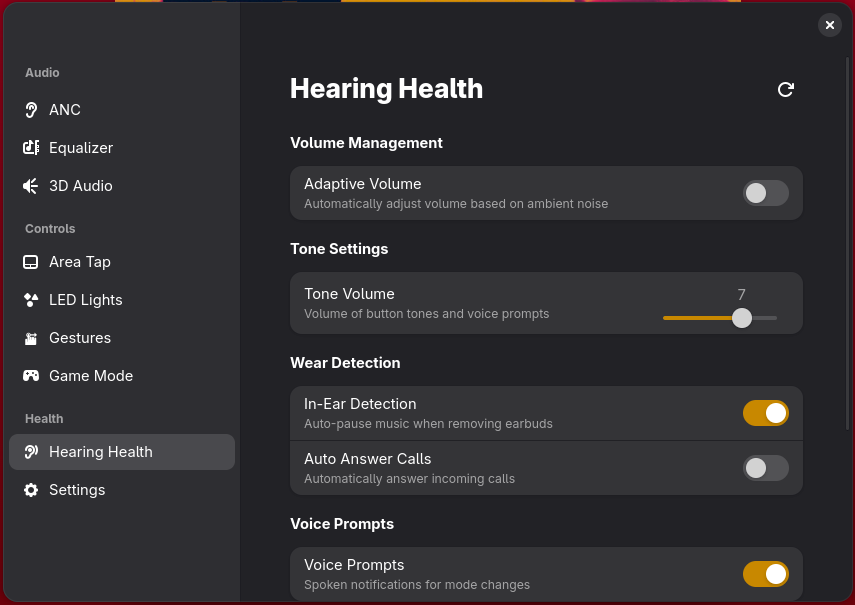
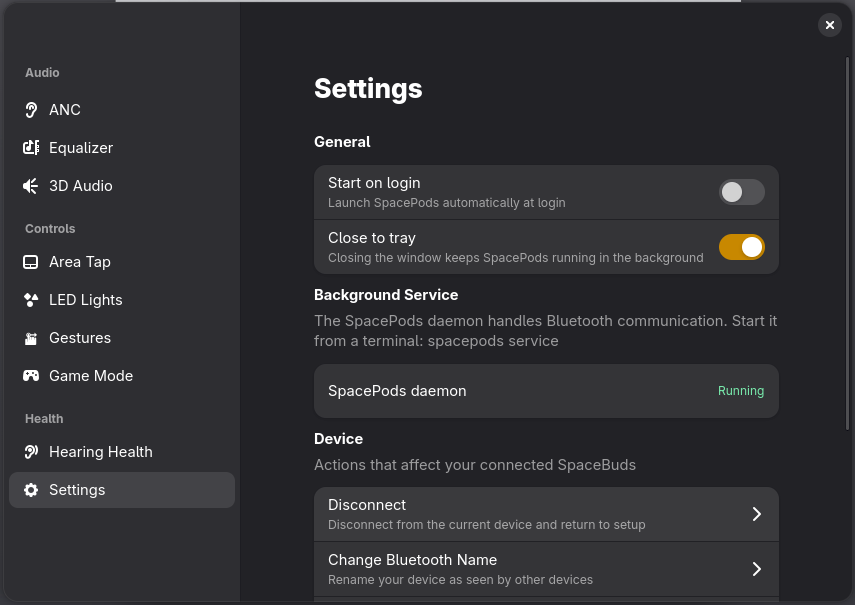
One daemon holds the Bluetooth connection. Everything else just talks to it.
libspacepods service
Holds the BLE connection, caches device state, serves a Unix socket at /tmp/spacepods.sock. Runs as a systemd user unit.
spacepods-ui · libspacepods cli
Any number of clients connect over the socket at once. Live status pushes to every subscriber the moment something changes.
GTK4 + LIBADWAITASpaceBuds / oraimo earbuds
Speaks the proprietary Bluetrum command protocol over GATT characteristics ff17/ff18, decoded from the vendor APK.
Pick a format. The script figures out the rest.
Native package (default)
Detects dpkg or rpm and installs the matching .deb/.rpm, falling back to a tarball if neither exists.
Flatpak
The daemon is always native, but the GUI can run sandboxed via Flatpak instead, with --flatpak.
Specific version
Pass --version=vX.Y.Z to install an exact release tag instead of latest.
sh install.sh install allsh install.sh install all --flatpaksh install.sh install libspacepods --version=v0.5.0sh install.sh remove all
Daemon starts automatically via a systemd user unit installed alongside it.
Check status with systemctl --user status spacepods.
Run the install script. Pair once. Forget the app exists.
curl -fSL -O https://github.com/Imnotndesh/spacepods-linux/releases/latest/download/install.sh && sh install.sh install all